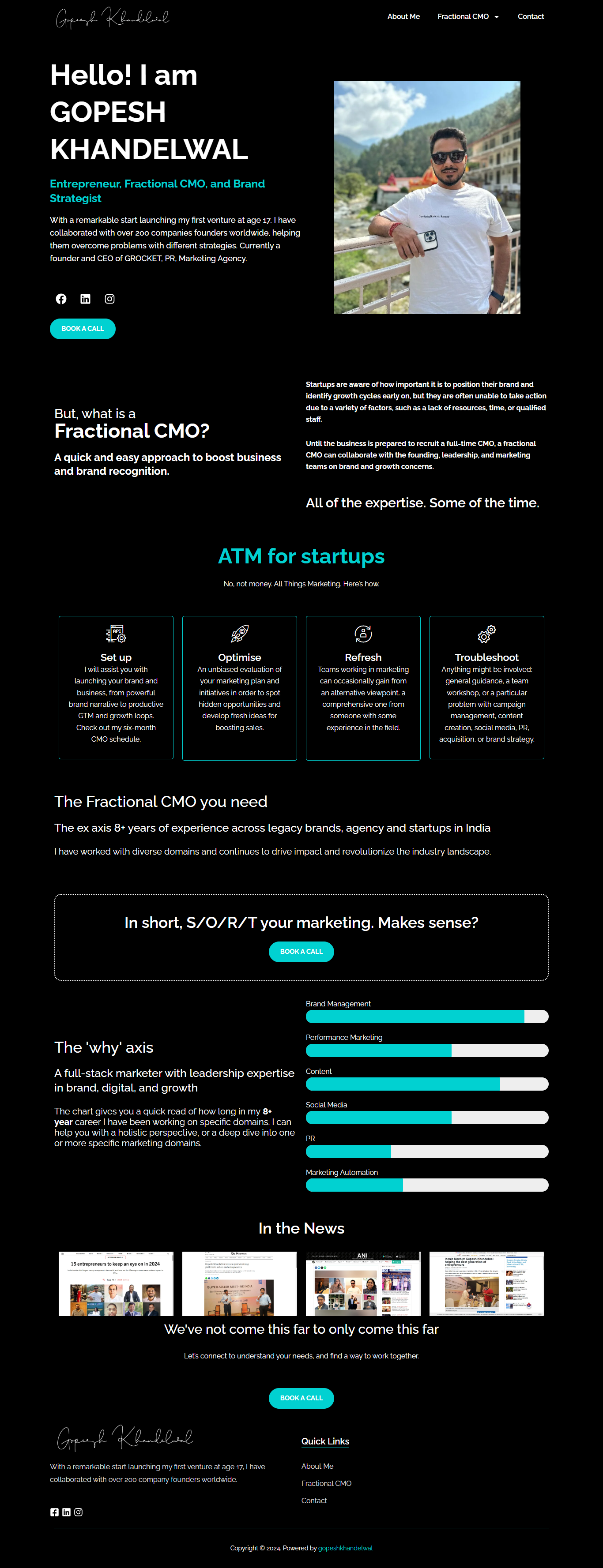


I am a results-driven IT professional with 5+ years of experience in WordPress Development, Website Design, Server & Network Administration, and Technical Support. Currently, I am working as a Senior IT Engineer and also providing Freelance Web Development & Digital Solutions to businesses worldwide.

About Me

Solving Business Problems with Smart Technology & Creative Solutions

I am Akhilesh Chaudhari, a Senior WordPress Developer, IT Infrastructure Engineer with a passion for building secure, scalable, and high-performing digital solutions.

Years Experience
0 +
Projects Delivered
0 +

Our Services

What services I provide you

WordPress Development

WordPress CMS development lets you create, edit, and enhance your online presence without the need to code. 

Ecommerce Development

Supercharge your online sales with a custom-built e-commerce platform that converts browsers into the buyers.

Wix CMS Development

Build your dream website with Wix CMS development – drag-and-drop ease meets custom design to create a stunning.

Shopify Developer

Build a one-of-a-kind online store that’s as unique as you are. Forget cookie-cutter templates and limitations.

Digital Marketing

Digital marketing is like chatting with your customers on internet, building relationships, and promoting brand in your business.

Content Writer

A content writer spins words into magic, crafting engaging stories and informative articles and building brand for you business.

Project

My Featured Protfoilo

Experience

Skills & Tools

You've got a Challenge? Let's talk!

Find Your Answer

Frequently Asked Questions

With a passion for technology and years of experience, I specialize in web, mobile, AI, and blockchain development. My expertise lies in creating innovative, scalable, and efficient solutions that help businesses.

Haven’t found an answer to your query?

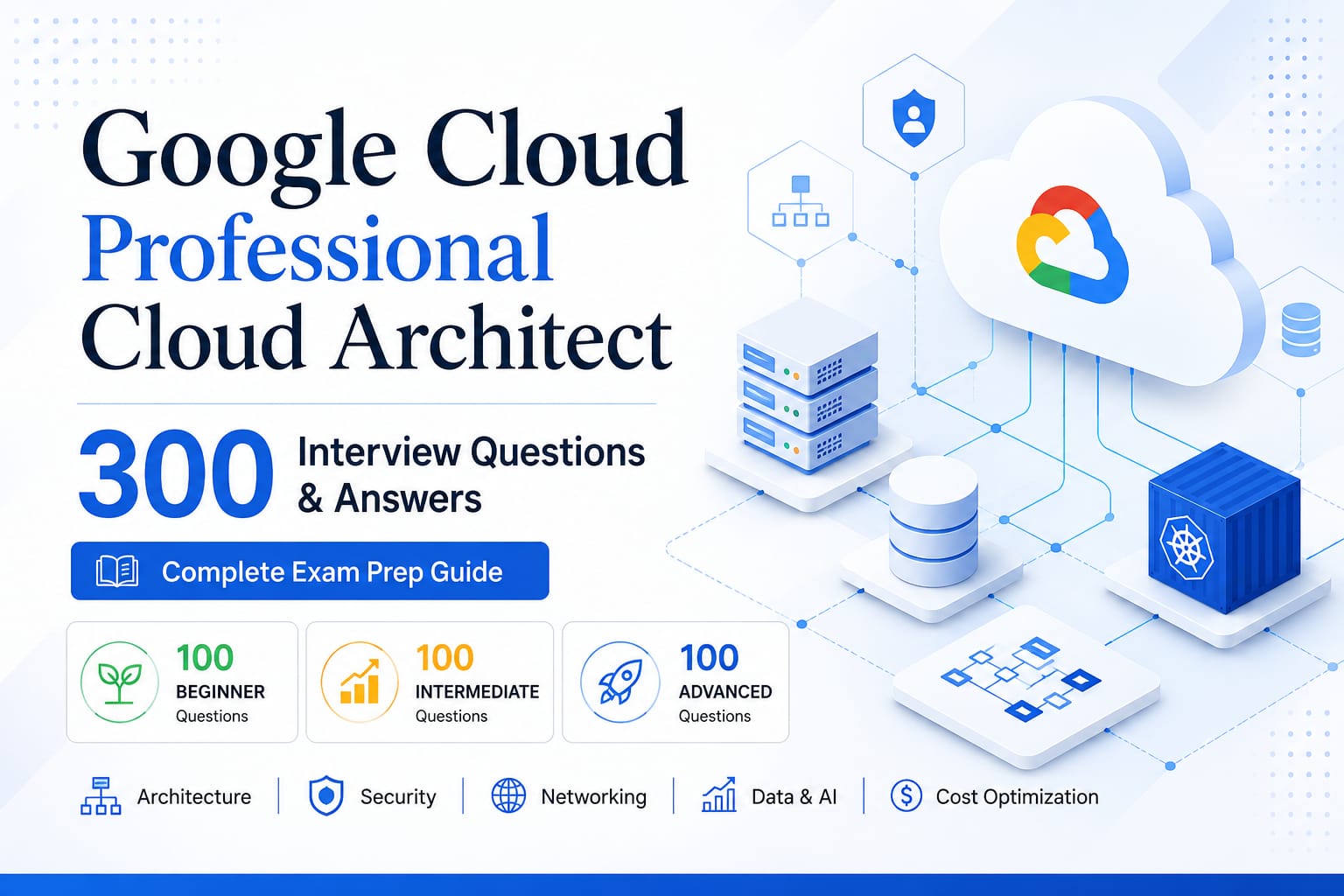
Master Google Cloud Professional Cloud Architect: Your Complete Certification Blueprint
The Certification That Changed Everything Three years ago, I was working as a mid-level cloud engineer at a startup. We were building infrastructure on Google Cloud Platform, but honestly, I didn’t fully understand the architectural decisions we were making. We’d spin up services, connect them, and hope for the best. That’s when I decided to pursue the Google Cloud Professional Cloud Architect certification. Not just for the credential on my resume, but to truly understand why we make certain choices in cloud architecture. What happened next surprised me. Within 18 months of getting certified, I moved from engineer to principal architect. More importantly, I started saving companies hundreds of thousands of rupees through better architectural decisions. Today, I’ve helped over 500 professionals get certified in GCP. And I’ve learned exactly what separates those who pass the exam from those who truly become cloud architects. If you’re considering this certification, this guide will show you the real path forward. Why This Certification Actually Matters Let me be direct: not all certifications are created equal. Some certifications just prove you can memorize facts. The GCP Professional Cloud Architect certification is different. It tests something far more valuable: your ability to design systems that solve real business problems. Think about it this way. When a company is building critical infrastructure, they don’t just need someone who knows what Cloud SQL is. They need someone who can answer questions like: Should we use Cloud SQL or Cloud Spanner for this application? How do we balance cost and reliability? What happens when this region goes down? How do we optimize costs without sacrificing performance? These are the questions the exam tests. And more importantly, these are the questions you’ll face in real work. That’s why companies value this certification. In India’s tech ecosystem, I’ve seen architects jump from ₹15 lakh to ₹30+ lakh packages after getting certified and demonstrating these skills. What Makes This Exam Different The Google Cloud Professional Cloud Architect exam isn’t a typical multiple-choice test where you memorize facts. It’s scenario-based. You’ll get questions like: “Your organization needs to process 100,000 IoT sensor readings per second from devices across India. You need real-time dashboards with sub-second latency for operations, but also maintain 7 years of historical data for compliance. You have a ₹20 lakh per month budget. Design the architecture.” This isn’t about knowing services. It’s about understanding: Trade-offs: Why would you choose one service over another? Cost implications: What does your choice cost? Risk management: What could go wrong? Real-world constraints: Budget, compliance, performance requirements Most study materials don’t teach this thinking. They teach facts. Big difference. The Three Levels of Cloud Architecture Knowledge I’ve noticed that successful candidates progress through three distinct levels: Level 1: Know What Services Do This is where most people start. You learn that Cloud SQL is a managed relational database, Compute Engine is a virtual machine service, and BigQuery handles large-scale analytics. This knowledge is foundational, but it’s not enough for real work. Level 2: Know When to Use Each Service Now you understand when to choose Cloud SQL over Cloud Spanner, when Firestore beats BigQuery, and why you’d pick Cloud Run over GKE. You’re thinking about trade-offs. Cost vs. performance. Simplicity vs. control. Regional vs. global. Level 3: Design Systems Around Real Constraints This is where architects live. You can design complete systems that handle business requirements, stay within budget, maintain performance, scale automatically, and recover from failures. The exam tests all three levels. But most people only prepare for level 1, which is why they either fail or barely pass. Real architects think systematically about trade-offs. The Exam Structure: What You’re Really Facing The actual exam has 50 questions in 2 hours. You need roughly 70% to pass, though it varies by difficulty. But here’s what’s important: not all questions are equal. About 60% are straightforward knowledge checks. The remaining 40% are complex scenarios that force you to think about real-world trade-offs. When you practice this thinking on 300 varied scenarios, the exam becomes straightforward. Because you’re not memorizing answers. You’re applying frameworks. What GCP Actually Cares About: The Big Topics If you break down the exam, about 80% of questions focus on these five areas: Topic Coverage Compute When to use Compute Engine vs. App Engine vs. GKE vs. Cloud Run (20-25%) Networking Global vs. regional, hybrid connectivity, traffic routing (20-25%) Storage & Data BigQuery, Cloud SQL, Spanner, Bigtable choices (20-25%) Security & Compliance IAM, encryption, data protection, frameworks (15-20%) How I Structure Preparation: The 6-Week Path After helping hundreds prepare, I’ve found a structure that actually works: Weeks 1-2: Foundation Building (2-3 hours daily) Focus on individual services. Read documentation. Understand what each service does. Weeks 3-4: Connecting the Dots (3-4 hours daily) Now you start building systems. Take scenarios and design complete architectures. Weeks 5-6: Mastery and Practice (4-5 hours daily) Practice exams. Read others’ architectures. Refine your decision-making frameworks. Real progression looks like this: Week 1: “What’s Cloud SQL?” Week 2: “What’s Cloud Spanner?” Week 3: “When would I use SQL instead of Spanner?” Week 4: “Design a global e-commerce database system” Week 5: “Here’s an architecture. What’s wrong with it?” Week 6: “Design a complete system with these constraints” By week 6, you’re not memorizing. You’re thinking like an architect. Real-World Example: E-Commerce During Diwali Let me walk you through an actual scenario you might see on the exam: The Brief: An Indian e-commerce company expects 10x normal traffic during Diwali. They need less than 2 second checkout, global access, real-time inventory, 99.99% availability, and maximum 10% cost increase. What Architects Design: • Compute: GKE across 3 regions with global load balancer • Database: Cloud Spanner (globally consistent inventory) • Caching: Redis for sessions (sub-10ms reads) • Static Content: Cloud CDN + Cloud Storage • Async Processing: Pub/Sub + Dataflow for orders • Cost Optimization: CUDs + Spot VMs • Monitoring: SLO-based alerting Result: Handles 10x traffic smoothly. Costs increase 8% (within budget). Zero downtime. This is
AZ-801 Exam Preparation Guide 2025 – How to Pass in First Attempt
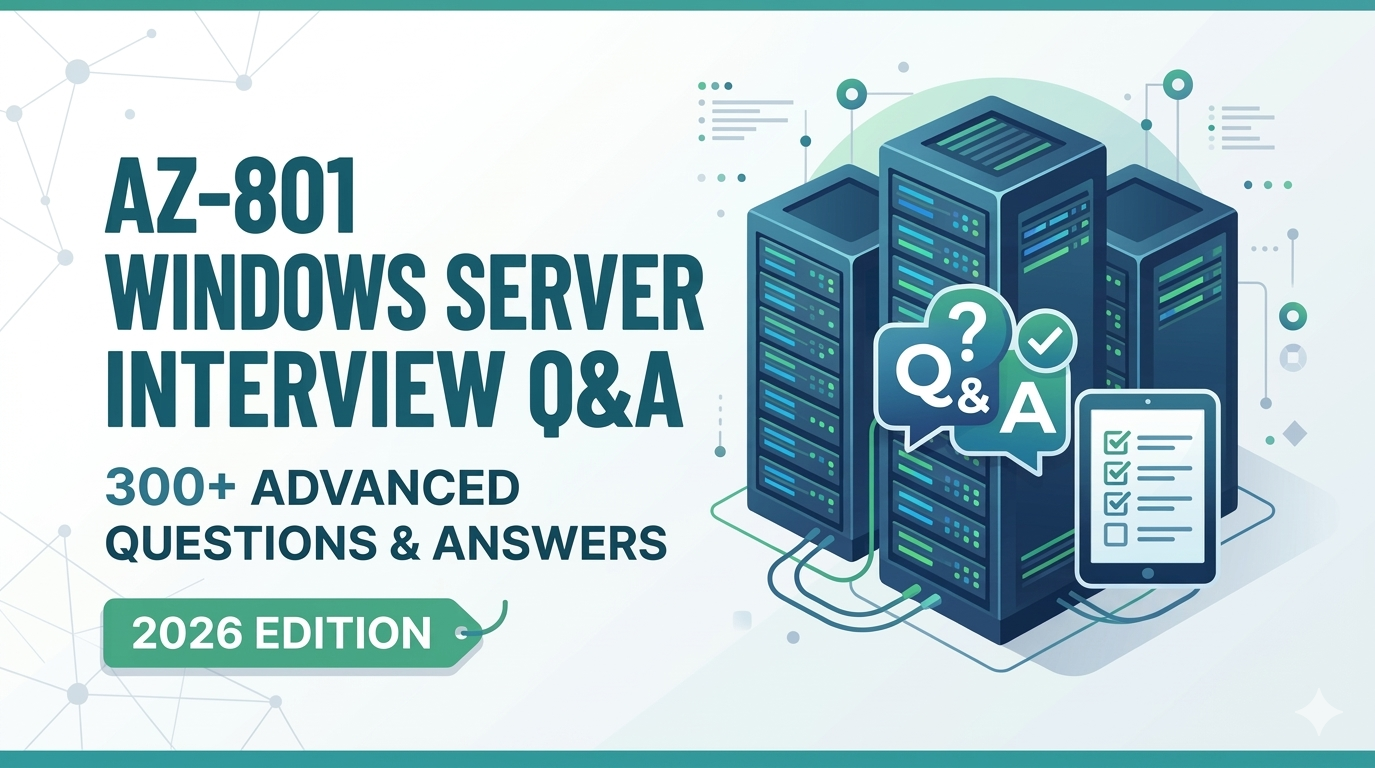
Are you planning to take the AZ-801: Configuring Windows Server Hybrid Advanced Services exam? You are in the right place. This complete guide will walk you through everything you need to know — from exam structure and key topics to study strategies and the best resources to help you pass on your first attempt. What Is the AZ-801 Exam? The AZ-801: Configuring Windows Server Hybrid Advanced Services is a Microsoft certification exam for IT professionals who want to validate their skills in configuring advanced Windows Server services in hybrid and on-premises environments. Passing the AZ-801 exam, along with the AZ-800 exam, earns you the Microsoft Certified: Windows Server Hybrid Administrator Associate certification — one of the most respected credentials in enterprise IT. Who Should Take the AZ-801 Exam? This exam is ideal for: Windows Server Administrators IT Infrastructure Engineers System Administrators managing hybrid environments Network Engineers working with Microsoft technologies IT professionals aiming to validate Azure + Windows Server skills AZ-801 Exam Details at a Glance Exam Name Configuring Windows Server Hybrid Advanced Services Exam Code AZ-801 Passing Score 700 out of 1000 Duration 120 minutes Question Types Multiple choice, drag-and-drop, case studies, scenario-based Languages English, Japanese, Korean, Chinese (Simplified) Certification Windows Server Hybrid Administrator Associate (with AZ-800) AZ-801 Exam Topics — What You Will Be Tested On Microsoft has divided the AZ-801 exam into five major skill areas. Understanding the weightage of each topic will help you prioritize your study time effectively. 1. Secure Windows Server On-Premises and Hybrid Infrastructures (~25-30%) Secure Windows Server user accounts and groups Harden Windows Server operating system Identify and remediate Windows Server security issues Configure Windows Server Firewall Implement network security solutions Manage Windows updates for security 2. Implement and Manage Windows Server High Availability (~10-15%) Implement Windows Server Failover Cluster Implement and manage Storage Spaces Direct Implement Scale-Out File Server Manage Failover Cluster roles and workloads 3. Implement Disaster Recovery (~10-15%) Implement Hyper-V Replica Implement Azure Site Recovery for on-premises VMs Protect on-premises infrastructure using Azure Backup Implement backup and recovery using Windows Server Backup 4. Migrate Servers and Workloads (~20-25%) Migrate on-premises storage to Azure Migrate Windows Server roles and workloads Migrate using Storage Migration Service Use Azure Migrate for server migration 5. Monitor and Troubleshoot Windows Server Environments (~20-25%) Monitor Windows Server by using Windows Admin Center Use Performance Monitor and Resource Monitor Troubleshoot Active Directory issues Troubleshoot hybrid network connectivity Troubleshoot Windows Server on Azure VMs AZ-801 Exam Preparation Strategy — Step by Step Here is a proven step-by-step strategy to prepare for the AZ-801 exam efficiently. Step 1: Understand the Exam Objectives Before you start studying, download the official AZ-801 exam skills outline from Microsoft’s website. Read through each objective carefully and honestly assess your current knowledge. This helps you identify strong areas and gaps that need more attention. Step 2: Build Your Study Plan A realistic study plan for AZ-801 typically requires 6 to 8 weeks of consistent preparation, assuming you already have some Windows Server experience. Week 1-2 Security and hardening (25-30% of exam) Week 3 High availability and failover clustering Week 4 Disaster recovery and backup Week 5-6 Migration tools and Azure integration Week 7 Monitoring and troubleshooting Week 8 Full revision + mock tests + Q&A practice Step 3: Use the Right Study Resources Having the right study material makes all the difference. Here are the resources you should use: Microsoft Learn (free) — covers all exam objectives officially Microsoft Documentation for Windows Server and Azure Hands-on lab using Hyper-V or Azure free tier 300 Advanced AZ-801 Interview Q&A PDF (2025 Edition) — structured Q&A practice across all topics Get Your AZ-801 Q&A PDF — ₹199 Only Step 4: Focus on High-Weightage Topics First Based on the exam skill breakdown, these are the three topics you must master before everything else: Windows Server Security — 25-30% Migration using Azure Migrate and Storage Migration — 20-25% Monitoring and Troubleshooting — 20-25% Together, these three areas make up nearly 70% of your exam. Do not move on to lower-weightage topics until you are confident here. Step 5: Practice With Scenario-Based Questions AZ-801 is not a memorization exam. Microsoft tests your ability to apply knowledge in real-world scenarios. The best way to prepare is to practice with advanced scenario-based questions regularly. Our AZ-801 Q&A PDF includes 300 scenario-based and conceptual questions that mirror the actual exam pattern — so you know exactly what to expect on exam day. Step 6: Take Mock Tests and Review Mistakes In your final week, focus entirely on full mock tests under timed conditions. After each test, carefully review every question you got wrong and understand why the correct answer is correct. This single habit can improve your score by 50 to 100 points. Top Tips to Pass AZ-801 on Your First Attempt TIP 1: Do not skip lab practice — especially Failover Clustering, Azure Site Recovery, and Storage Migration Service. TIP 2: Read every question twice. Words like ‘least privilege’ or ‘without downtime’ completely change the correct answer. TIP 3: Eliminate wrong answers first. Most questions have two clearly wrong options — removing them gives you a 50/50 chance. TIP 4: In the last 7-10 days, switch from reading to practicing questions. This builds exam-day confidence. TIP 5: Study 1.5 to 2 hours daily over 6-8 weeks. Consistent preparation beats last-minute cramming every time. Best Resource for AZ-801 Exam Prep Get Your AZ-801 Q&A PDF — ₹199 Only Frequently Asked Questions (FAQ) Q: Is AZ-801 difficult to pass? AZ-801 is considered a moderately difficult exam. It requires solid hands-on experience with Windows Server and Azure hybrid services. With the right preparation strategy and consistent practice, it is very achievable. Q: Do I need to pass AZ-800 before AZ-801? You do not need to pass AZ-800 before taking AZ-801. However, you need to pass BOTH AZ-800 and AZ-801 to earn the Windows Server Hybrid Administrator Associate certification. Q: How long should I study for AZ-801? Most candidates with IT experience need
Linux Command Mastery: 300 Essential Interview Questions and Answers
300 Linux Command Questions with Answers Basic Commands and Navigation What command displays your current working directory? Ans: pwd (Print Working Directory) How do you list files in a directory? Ans: ls (List) What does the -l option do when used with ls? Ans: Shows files in long format with details like permissions, ownership, size, and date How do you list hidden files in Linux? Ans: ls -a (lists all files, including hidden ones that start with a dot) What command changes directories? Ans: cd (Change Directory) How do you navigate to your home directory quickly? Ans: cd or cd ~ What command creates a new directory? Ans: mkdir (Make Directory) How do you remove an empty directory? Ans: rmdir (Remove Directory) What command removes a non-empty directory? Ans: rm -r (Remove recursively) How do you create an empty file? Ans: touch filename What is the difference between rm and rmdir? Ans: rm removes files by default, and with the -r flag can remove directories and their contents. rmdir only removes                   empty directories How do you copy a file? Ans: cp source destination How do you move a file? Ans: mv source destination What does the cp -r command do? Ans: Copies directories recursively (including all files and subdirectories) How do you display the contents of a file? Ans: cat filename (concatenate and display) What command shows just the first few lines of a file? Ans: head filename What command shows just the last few lines of a file? Ans: tail filename How do you concatenate and display file contents? Ans: cat file1 file2 file3 What command shows file or directory information? Ans: stat filename How do you find recently modified files? Ans: find /path -type f -mtime -n (where n is the number of days) File Permissions and Ownership What command changes file permissions? Ans: chmod (Change Mode) How do you read file permissions in Linux? Ans: In the format -rwxrwxrwx, wheretthe he  first character is the file type, and the next 9 characters represent owner, group,              others’hers permissions (read, write, execute) What do the numbers 754 represent in chmod? Ans: 7 (rwx=4+2+1) for owner, 5 (r-x=4+0+1) for group, 4 (r–=4+0+0) for others How do you make a file executable? Ans: chmod +x filename What command changes file ownership? Ans: chown user filename How do you change both user and group ownership at once? Ans: chown user: group filename What command sets default permissions for new files? Ans: umask What is the difference between symbolic and numeric permission notation? Ans: Symbolic uses letters (r,w,x) and operators (+,-,=) Numeric uses octal numbers (0-7) How do you view the permissions in octal format? Ans: stat -c ‘%a %n’ filename What is the sticky bit, and how do you set it? Ans: It restricts file deletion; set with chmod +t directory or chmod 1xxx directory What does the setuid bit do? Ans: Allows users to run an executable with the permissions of the file owner; set with chmod u+s filename What does the setgid bit do? Ans: When applied to directories, new files inherit the directory’s group; set with chmod g+s directory How do you find all files with specific permissions? Ans: find /path -perm mode What permissions are required to delete a file? Ans: Write permission on the directory containing the file What command displays your current user ID and group IDs? Ans: id How do you change only specific permission bits? Ans: chmod u+x,g-w,o=r filename How do you copy file permissions between files? Ans: chmod –reference=reference_file target_file What is ACL in Linu,x and how do you use it? Ans: Access Control Lists provide more granular permissions; use setfacl to set and getfacl to view How do you check if a file has extended attributes? Ans: lsattr filename What command shows the security context of a file? Ans: ls -Z filename (on SELinux-enabled systems) Users and Groups What command creates a new user? Ans: useradd username or adduser username How do you delete a user account? Ans: userdel username What command creates a new group? Ans: groupadd groupname How do you add a user to a group? Ans:  usermod -aG groupname username What command changes your password? Ans: passwd How do you switch to another user? Ans: su username What command shows all currently logged-in users? Ans: who or w How do you list all users on the system? Ans: cat /etc/passwd or getent passwd What file contains user information? Ans: /etc/passwd What file contains group information? Ans: /etc/group How do you lock a user account? Ans: passwd -l username or usermod -L username What command modifies user account details? Ans: usermod How do you change a user’s default shell? Ans: chsh -s /path/to/shell username or usermod -s /path/to/shell username What command shows your current username? Ans: whoami How do you temporarily become the superuser? Ans: sudo -i or sudo su What is the difference between su and sudo? Ans: su switches user (often to root) and requires the target user’s password sudo executes a single command with elevated privileges and requires your own password How do you edit the sudoers file safely? Ans: visudo What command sets user resource limits? Ans: ulimit for shell limits or prlimit for process limits How do you check the groups a user belongs to? Ans: groups username How do you remove a user from a group? Ans: gpasswd -d username groupname or deluser username groupname Process Management What command lists running processes? Ans: ps How do you view processes in a hierarchical tree? Ans: pstree What command shows dynamic real-time processes? Ans: top or htop How do you kill a process? Ans: kill PID or killall process_name What signal does kill -9 send? Ans: SIGKILL (forcefully terminates the process) How do you find the process ID of a specific program? Ans: pidof program_name or pgrep program_name What command runs a process in the background? Ans: Add & at the
Unlocking Professionalism: The Importance of a Business Email for Your Brand
In today’s digital era, establishing In today’s digital era, establishing a professional brand presence is essential for businesses. Having a professional business email address is, in today’s vital digital component era, a part of establishing this presence. professional Transitioning a brand from a presence that is a generic imperative email for provider businesses of all custom sizes. email Using a key element of your domain enhances this credibility and presence and builds trust with professional customers. In this email address article, Transitioning Well, we’ll explore the generic importance of a provider’s email to a business’s custom email, and using your step-by-step domain guide enhances credibility quickly and fosters trust by setting up efficiency with your customers. In this Hostinger article, we will explore the importance of a business email and provide a step-by-step guide on setting one up efficiently using Hostinger. Transitioning from a generic email provider to a custom email using your domain not only enhances credibility but also plays a crucial role in building trust with customers. In this article, we’ll delve into the significance of having a business email and provide a step-by-step guide on how to set one up quickly and efficiently using Hostinger. Why You Need a Professional Business Email When you think about email addresses from providers like Gmail or Yahoo, they include domains such as @gmail.com or @yahoo.com. While these services offer reliable email solutions, they don’t reflect the professionalism or branding that a customized email domain can offer. Here’s why you should consider transitioning to a custom business email: Credibility and Trust Professional Appearance: Custom emails like info@yourbusiness.com reinforce your brand’s legitimacy. Brand Reinforcement: Every email you send with your domain attached promotes your business, helping create brand recognition. Improved Communication: Having a structured email system (e.g., support@yourbusiness.com) shows customers that you take their inquiries seriously. Flexibility and Control Multiple Addresses: You can create various email addresses for different purposes, such as support, sales, and marketing. Ownership: Unlike free email service providers, having a custom email means more control over your communications and data. Setting Up Your Business Email with Hostinger Establishing a professional business email is straightforward, especially if you choose Hostinger as your email and domain provider. Here’s how to do it: Step 1: Choose Your Domain Name Select a Domain: Your domain is your digital address. If you don’t have one, you can register it through Hostinger. Check Availability: Enter your desired domain name to see if it’s available. Remember to consider various extensions like .com, .net, or .org if your first choice is taken. Register Your Domain: If it’s available, follow the prompts to complete the registration process. Step 2: Purchase an Email Hosting Plan Visit Hostinger’s email hosting page and choose a plan that fits your needs: Business Starter Plan: Suitable for newcomers. Business Premium Plan: Provides more storage and capacity. Select the number of mailboxes and the duration of the plan. Don’t forget to apply any promotional codes for discounts. Step 3: Set Up Your Email Account Start the Setup: After purchasing your plan, you can access the onboarding process immediately. Domain Configuration: If the domain is registered with Hostinger, the setup will be automatic. If it’s with another registrar, follow the provided manual setup instructions. Create Your Email Address: Choose a simple and professional address, like yourname@yourbusiness.com. Set Up Password and Finish Registration: Once your email address is created, you’ll be directed to set a password and finalize the setup. Step 4: Access Your New Business Email Navigate to the Web Mail button, log in with your credentials, and you’re all set! It’s essential to test your new email address by sending and receiving messages to ensure that everything works smoothly. Enhancing Your Professional Presence with Email Signatures Once your business email is set up, consider creating an email signature to further enhance your brand identity. A well-crafted email signature can include: Full Name Company Name Contact Details Logo and Social Media Links Tips for Designing Your Email Signature: Keep it concise and professional. Use tools like Design Hill or My Signature to create visually appealing signatures easily. Conclusion Setting up a professional business email is an important step toward establishing your brand’s credibility and professionalism. With Hostinger, the process is simple and efficient, allowing you to focus on what really matters—growing your business. By implementing a custom email domain, you not only enhance your professional image but also communicate more effectively with your clients. Ready to take your business to the next level with a professional email address? Start your setup with Hostinger today! Whether you’re just starting or looking to enhance your business communications, a professional email is crucial. Have questions or need assistance? Feel free to leave your comments below, and don’t forget to share this article with your fellow entrepreneurs!

Testimonial

Peoples Say’s About Me

Akhilesh delivered a fast, secure, and SEO-optimized website with excellent design and performance. His WordPress and technical expertise helped our business grow online effectively.

Rahul Mehta Marketing Manager, Bon Travel India

Akhilesh provided reliable IT support, server management, and network security with great professionalism. His technical knowledge and quick response made our systems stable and secure.

Priya Shah HR Manager, Chandan Steel Ltd

Akhilesh created an SEO-friendly website and high-quality content that improved our online visibility. His combined skills in development and digital marketing delivered great results.

Amit Verma Founder, TechGrow Solutions

Akhilesh handled our website development, optimization, and maintenance with complete dedication. His communication, quality work, and timely delivery were truly impressive

Sneha Patel Project Manager, WebCraft Studio

UPDATE

Latest News & Blogs